

Understanding the layers in architectural drawings is essential for anyone who seeks clarity and precision in their designs. Let’s dive into this universe.
What Are Layers in Architectural Drawings?
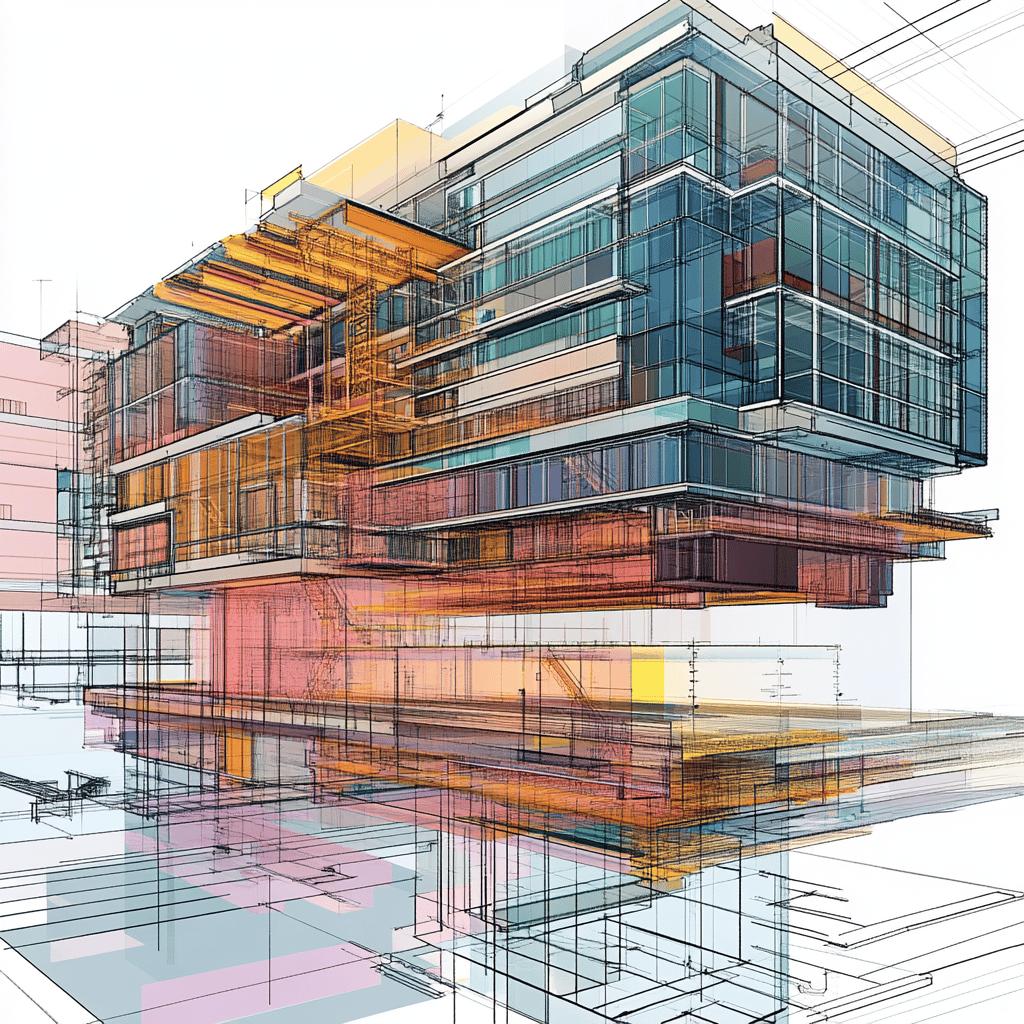
In my experience, layers in architectural drawings serve as an organized way to control the visibility of elements in sketches. They help me classify different types of information logically, making communication smoother with other professionals involved in the project, like engineers and contractors. It’s like having a neat toolbox where each tool is in its rightful place!
The Importance of Layer Organization
Getting my organization of layers right is absolutely crucial for efficient work. It avoids confusion and enables drawings to be visualized more clearly. Picture this: I keep structural elements, furniture layouts, and electrical wiring separated. This arrangement lets me, and everyone else involved, interpret what each part of the drawing represents quicker than a squirrel chasing a nut!
Establishing Layer Hierarchy
Every layer I create has its own hierarchy that determines its relative significance. For instance, layers containing critical information, like load-bearing structures, get a bold pen weight, while less important features, like decorative details, can have a subtler presentation. This technique helps convey urgently which aspects of the project need my keen eye!
Naming Layers Effectively
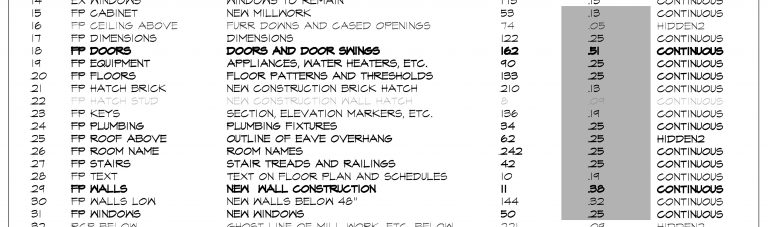
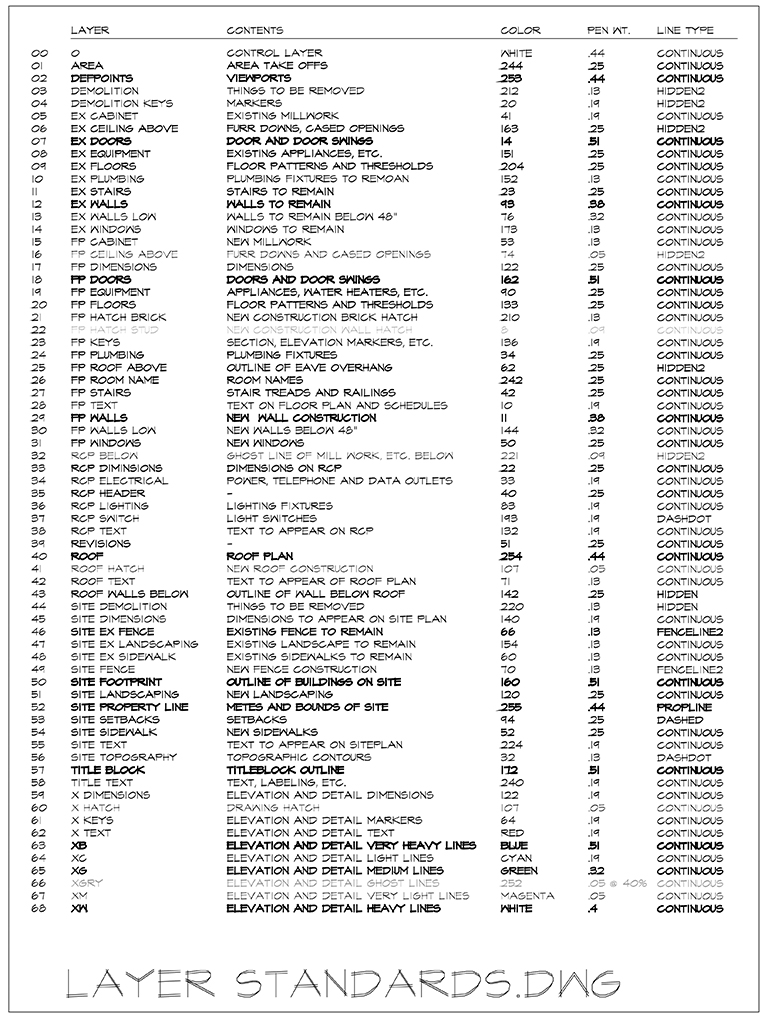
The way I name layers plays a crucial role in keeping my workflow organized. If I have a consistent naming system, it becomes easier to find and modify layers as I see fit. Architects often use prefixes to identify groups, like “FP” for “Floor Plan” or “D” for “Detail.” It speeds things up, making me feel like a wizard wielding his wand in the command room!
Weight and Line Type
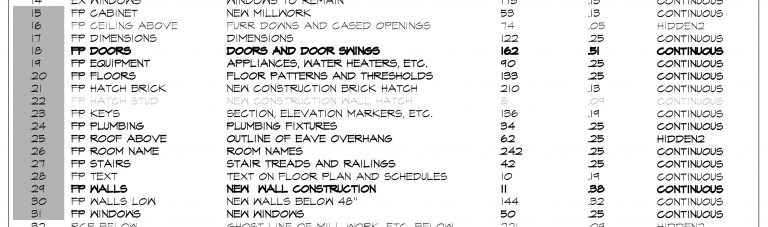
Assigning weight and line type to each layer is essential for the legibility of my drawings. Each layer should sport a weight that reflects its function. For example, structural elements should stand out more than finishing touches. This is crucial for the interpretation of the drawing when printed; after all, who wants a surprise at the work site? Not me!
Visualizing Designs
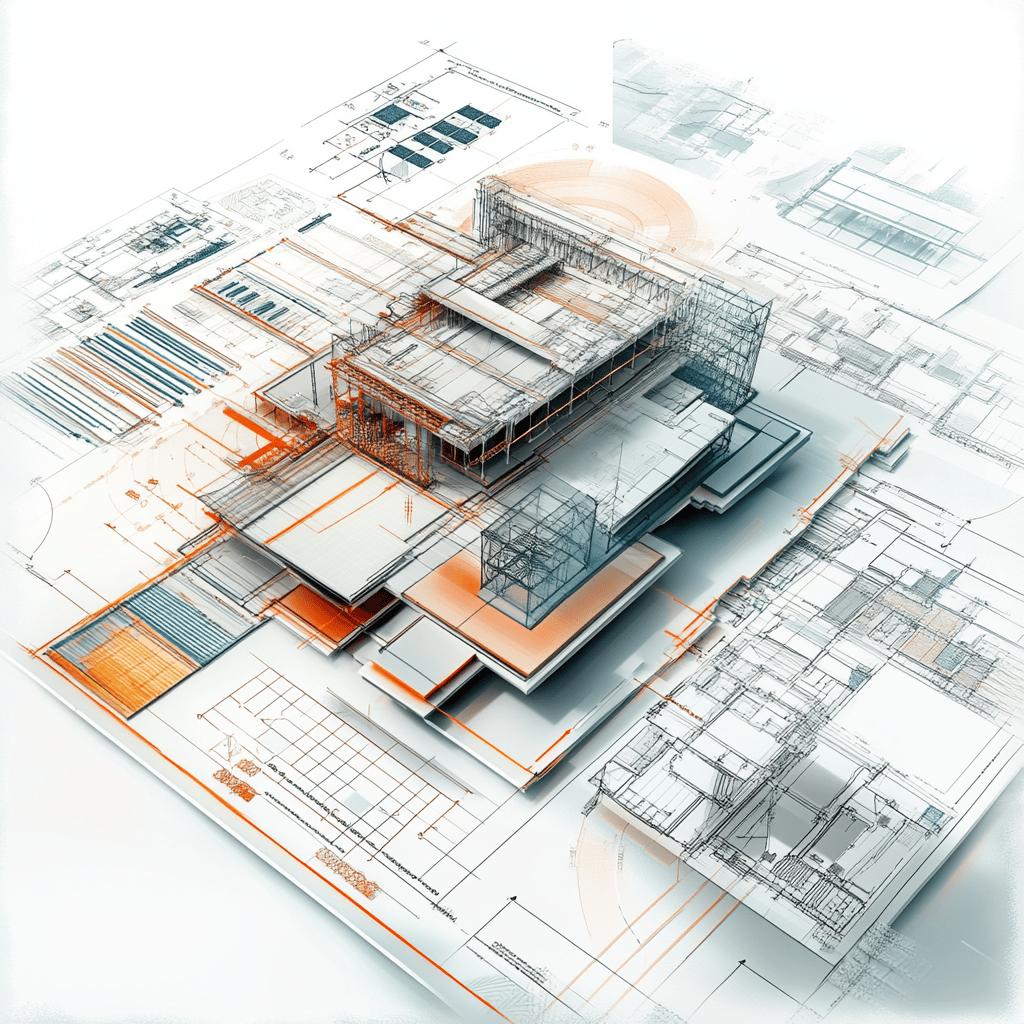
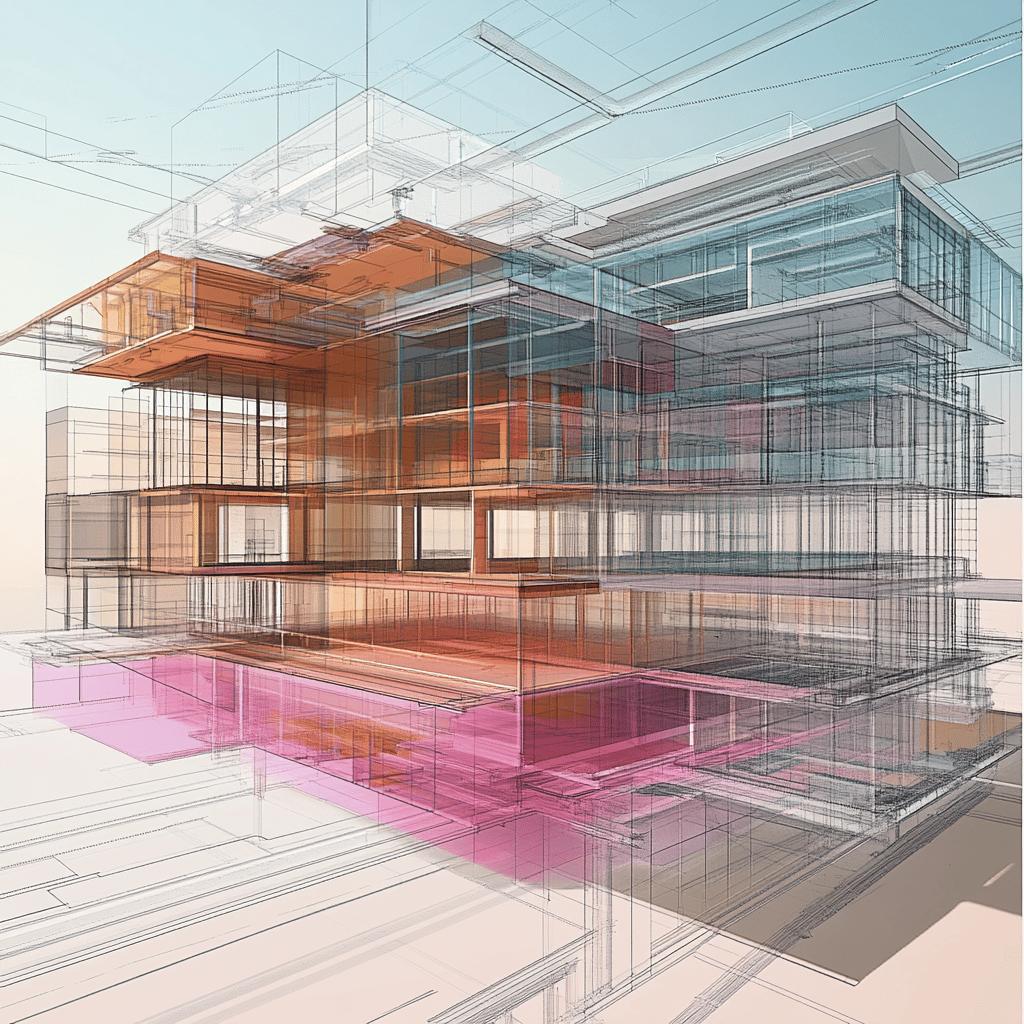
A well-crafted drawing should offer a quick and clear overview of elements present. Colors can be powerful allies in this process. By using different colors for each layer, I can swiftly identify whether the elements are in the correct layer. This not only speeds up my work but also reduces the chances of mistakes—like mixing up laundry colors; that blue sock just doesn’t belong with the whites!
Practical Examples of Layers
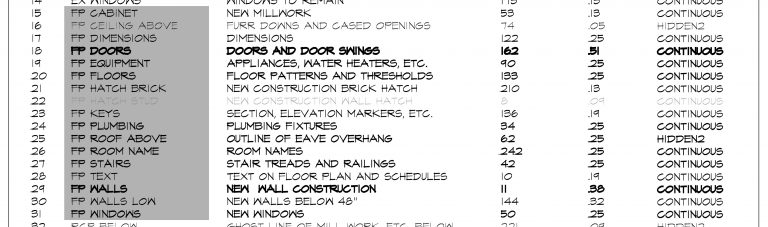
Let me share a practical example: when I draw a window, I use the layer “FP Windows” in the floor plan and a different layer in the elevation. This allows that element to appear clearly in different contexts of the drawings. Especially when working on large projects, this strategy is a lifesaver, preventing confusions that can lead to ‘oops’ moments!
Demystifying the “X” Layers
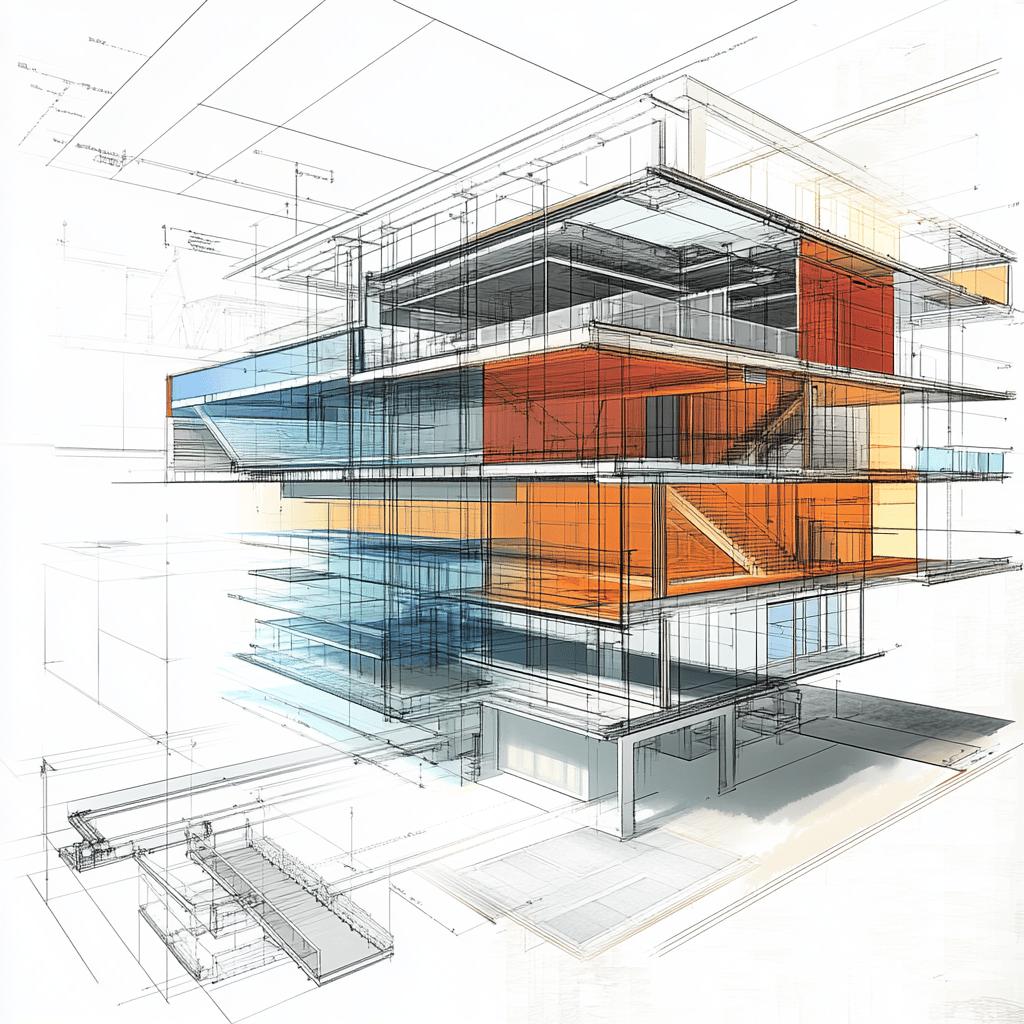
The x layers are those that enable more specific operations, where I draw based mainly on line weight rather than content. This practical option lets me create different representations without confusing other elements in the traditional layers. It simplifies the creation of technical details, giving me more freedom and options for interpretation—like a bird soaring high above the trees!
Summary Table of Layers in Architectural Drawings
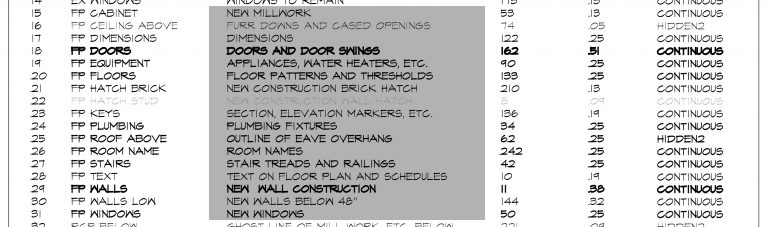
| Layer | Function | Pen Weight | Color |
|---|---|---|---|
| FP Windows | Window drawings | 0.25 | Blue |
| FP Equipment | Elements in plan | 0.25 | Red |
| X Layers | Technical Details | 0.40 | Green |
Final Thoughts on Using Layers
Grasping and correctly applying layers in architectural drawings can be a game-changer for an architect’s efficiency. A well-thought-out system enhances project description and smoothens communication among those involved in the execution of the work, just like a well-oiled machine!
The Impact of Layers on Project Execution
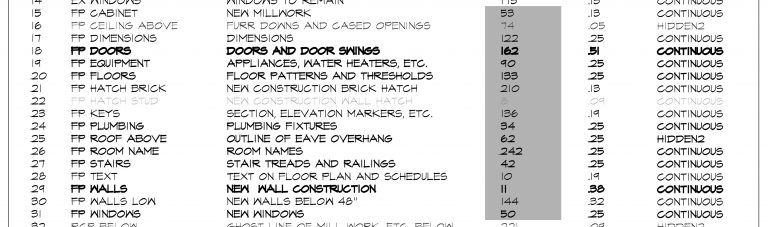
A solid management of layers results in clearer and easier-to-interpret drawings, slashing the need for adjustments and rework. This, in turn, can positively affect the budget and project timeline. So, investing time in organizing and standardizing layers is a vital step toward the project’s success—like double-checking your order at the snack bar before diving in!